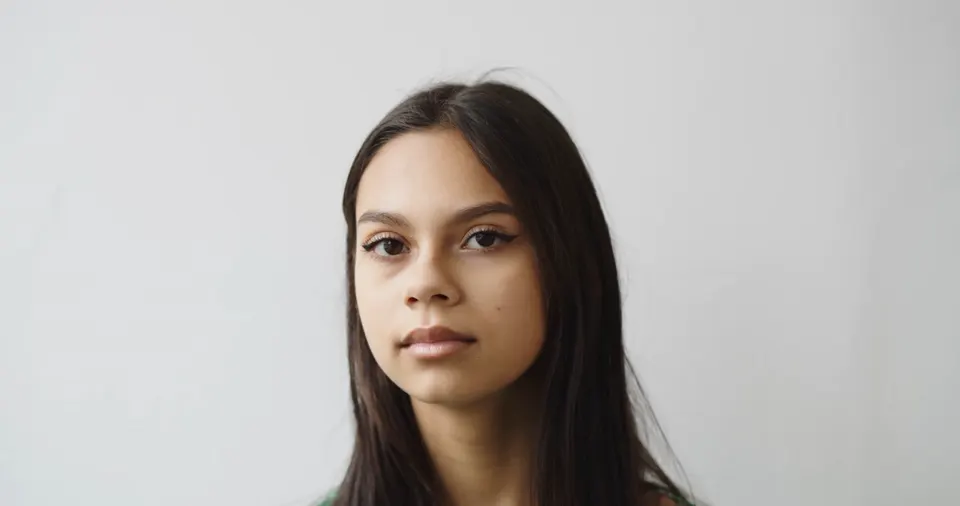
A consistent visual world
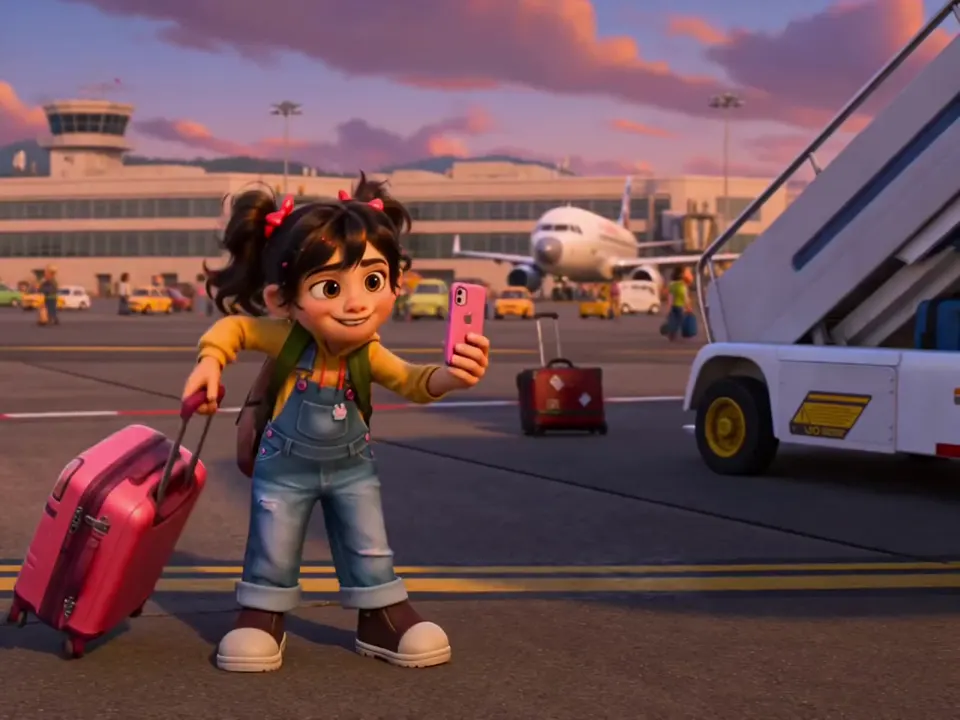
Use a reference image to guide character and style.
Give the story a voice
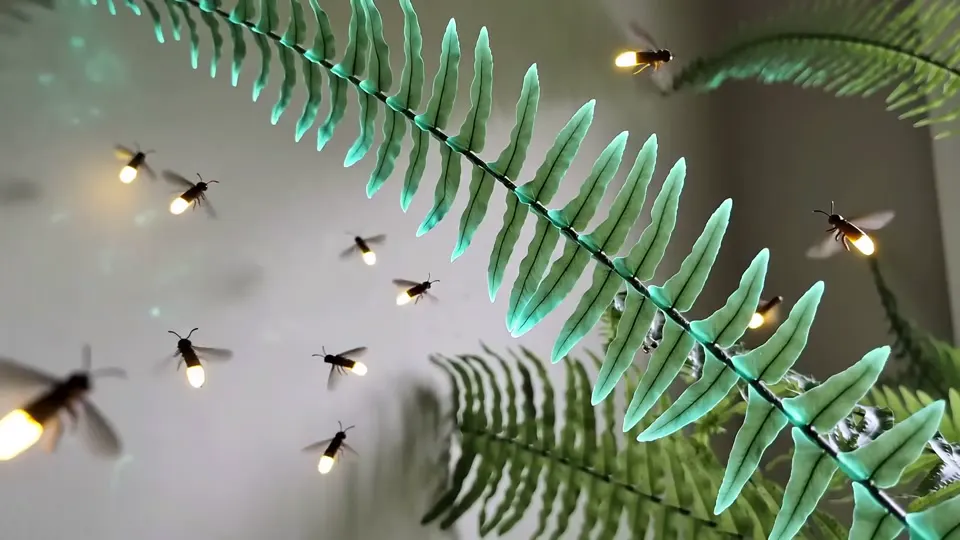
Set the tone with dialogue and scene audio.
 Kling4 AI Online
kling4 ai — Write a prompt, optionally add a reference image, then generate your video.
 EXAMPLE / 01
A cinematic sunset over the ocean. The camera glides low above the water as golden reflections ripple toward the horizon.
Start with a scene that inspires you. Your generated videos appear in My videos.
Your videos appear here after you create one.
Start with a short prompt and an optional reference image. Describe your style, framing and motion, then generate.
Turn on sound to add audio to your scene. Describe ambient sound, music cues or simple dialogue in your prompt to guide the mood.
Use an optional image to guide characters, products, colours and composition. Keep your reference beside your scene description.
Describe a sequence of moments with a clear beginning, middle and end, suitable for short stories, ads and social posts.
Choose 5, 10 or 15 seconds with either model, or 30 seconds with Kling 4 only, at 720p or 1080p. The generator shows the credit cost before you generate.
Choose 16:9, 9:16, 1:1 or 21:9 for Kling 4 text to video; Kling 3.0 Standard offers 16:9, 9:16 or 1:1. Kling 4 Auto keeps the first image’s own ratio in Image mode.
Cinematic, animation, product, portrait, landscape and more. Mix styles in your prompt to find the look that fits your idea.
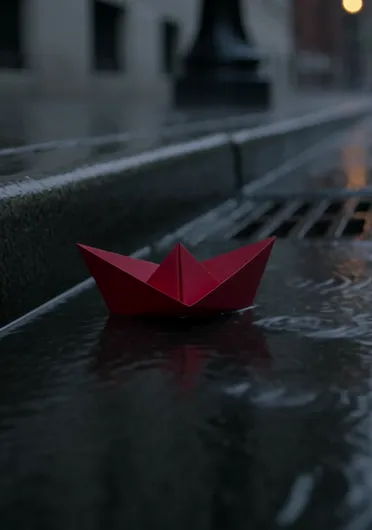
Visual style studies for your next idea.
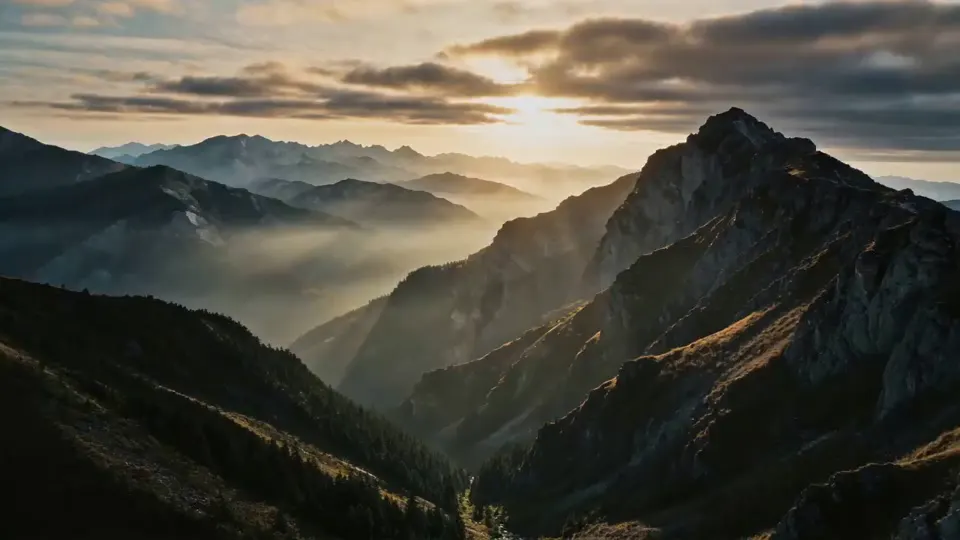
Choose composition and camera movement for your next scene.
Describe your subject clearly so it stays recognisable through the clip.
Pair a character image with a movement idea.
Guide the mood through sound, light and camera.
Explore scene control, output formats and creative options for your next video.
Auto is available for Kling 4 Image and Reference; Keyframes follows the first frame with Auto. Text mode uses a fixed ratio.
Develop characters, plan camera moves and bring a sequence together.
Use a reference image to guide character and style.
Set the tone with dialogue and scene audio.
Describe your subject in detail to keep it recognisable.
Build atmosphere through composition, light and movement.
Create with Kling 4.0 or Kling 3.0 Standard on Kling4 AI Online. These links introduce the two models this site generates with.
Set your framing, references, movement and sound before you create. Keep the controls close to the idea.
Open the creative workspace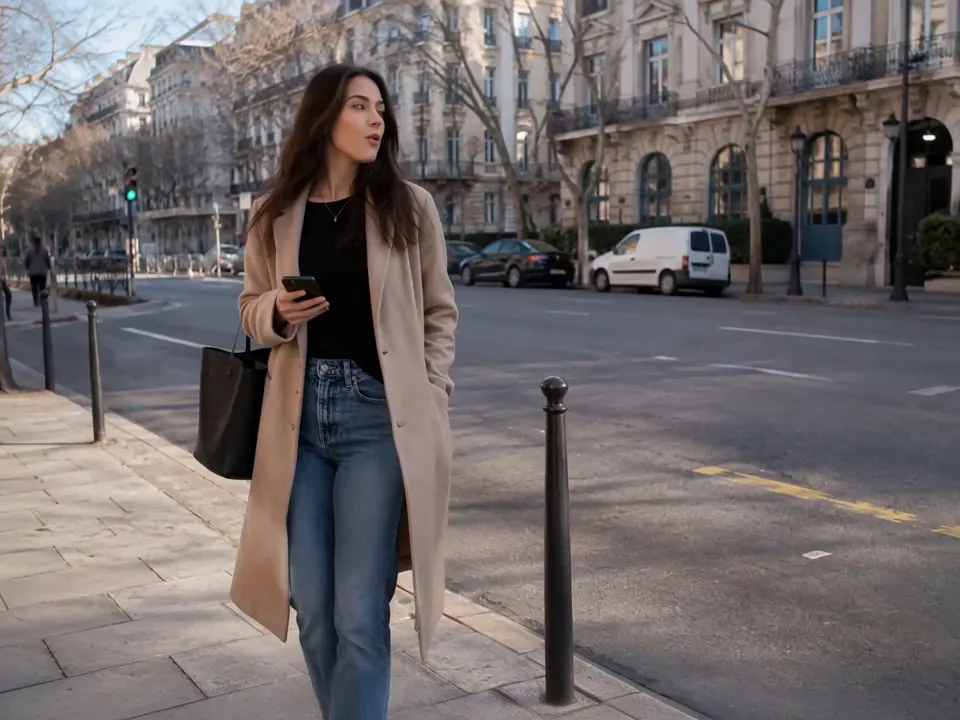
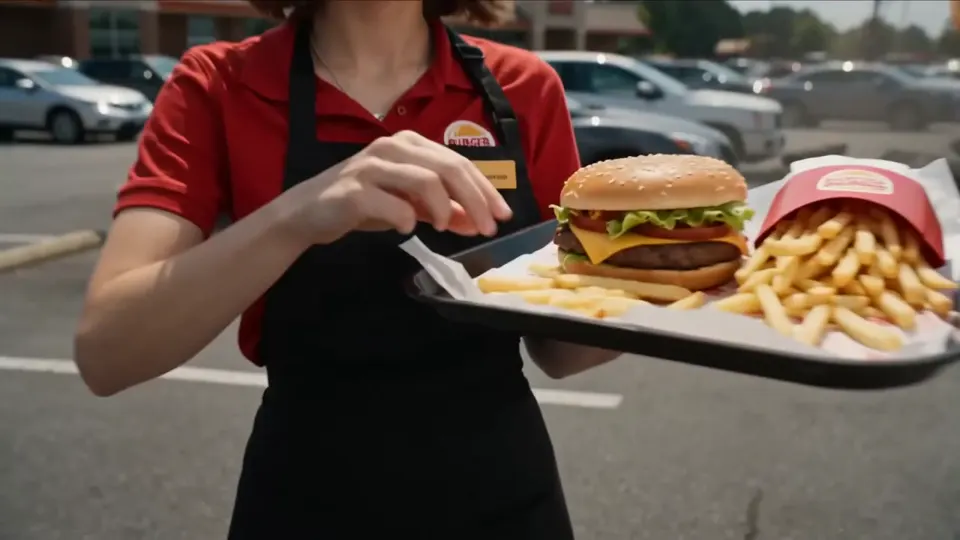
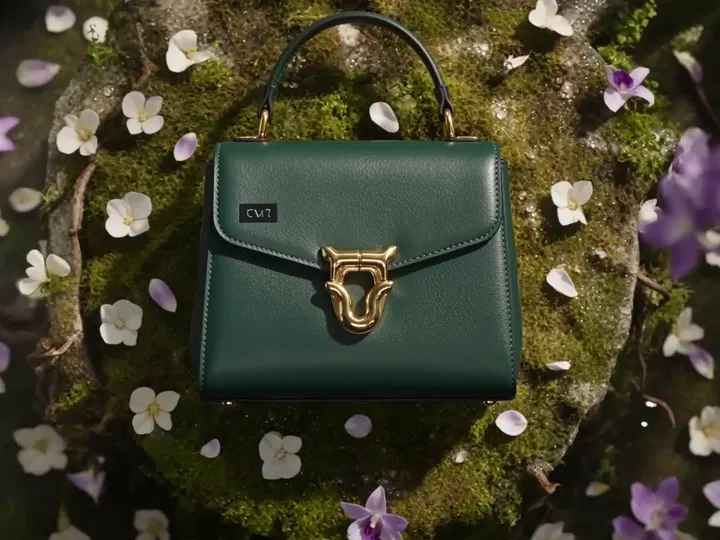
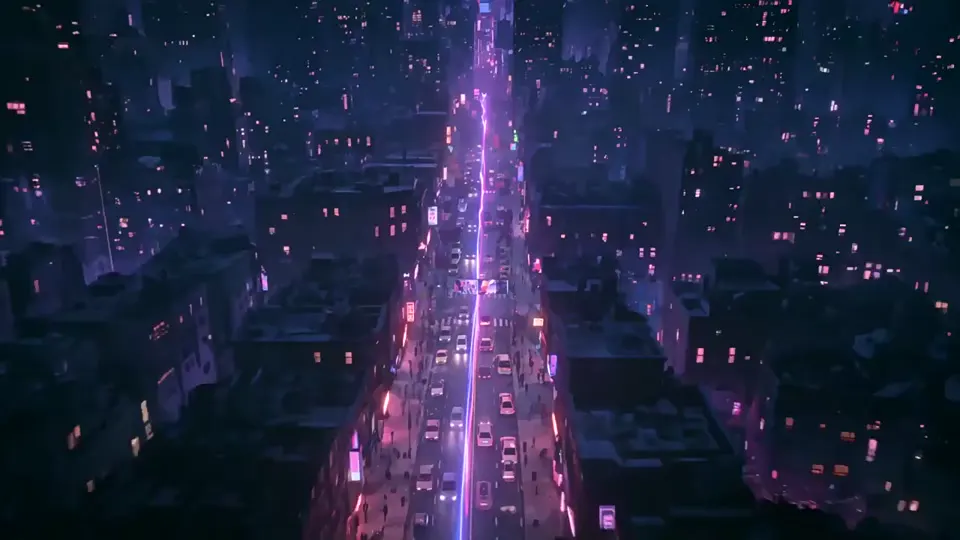
Use the responsive Kling4 AI Online workspace on your phone, tablet or desktop.
Open the workspaceAnswers about creating videos, credits and refunds.
Kling4 AI Online is an independent AI video service. Sign in with Google, write a prompt, optionally add a reference image, and generate text to video or image to video with Kling 4.0 or Kling 3.0 Standard.
Sign in with Google, write a prompt in the generator and add an optional image. Choose the model, duration, aspect ratio and sound (Kling 4 always includes audio), then press Generate. The credit cost is shown before you generate.
Your videos appear in My videos on this page while you are signed in. You can play and download each video there once it is ready. Reference images and generated videos are kept for 30 days, then deleted automatically. Download any video you want to keep.
Open My videos while signed in to see the status of each video. Video progress and results appear in My videos rather than being sent by email. The payment provider collects an email address at checkout and sends purchase-related emails.
Yes. Choose Image to video and add a JPG, PNG or WebP image up to 10 MB with either model; the studio converts WebP to PNG before upload. Kling 4 supports a first frame and optional last frame; Auto keeps the first image’s own ratio. Keyframes allows up to 6 frames at 5 s or 10 at 10/15/30 s. Reference supports 10 images, 5 videos, 7 elements and 3 voices, up to 15 total. Kling 3.0 Standard uses one image and 16:9, 9:16 or 1:1.
The Recommended 220-credit pack at $19.90 suits most regular creators. Choose 100 credits for $9.90 to try an idea, or 600 credits for $49.90 for larger projects. The credits each video uses depend on its duration and sound, and the generator shows the cost before you generate.
No. Every pack is a one-time purchase, and payment is handled by the payment provider. There is no recurring charge. Credits are added to your account once payment is confirmed, which can take a few seconds.
Credits never expire. Under our voluntary refund policy, a pack is refundable only if none of its credits have been used: contact support@kling4ai.online within 14 days of completing your purchase, and eligible refunds are processed through the payment provider. This does not affect your statutory rights.
If a generation fails, its credits are returned to your account automatically, with no request needed. A small number of videos with an uncertain result go under review for a manual check, and the credits charged for that video stay deducted while we review the outcome.
Kling4 AI Online has no free credits; one-time packs start at $9.90 for 100 credits, as shown on the Kling 4.0 price per video page.
On Kling4 AI Online, Kling 4 videos can be 5, 10, 15 or 30 seconds long; see the Kling 4 guide.
4K is not available on Kling4 AI Online, which offers 720p and 1080p; see the Kling 4 guide.
Explore references, shot planning and prompt examples before you generate.